
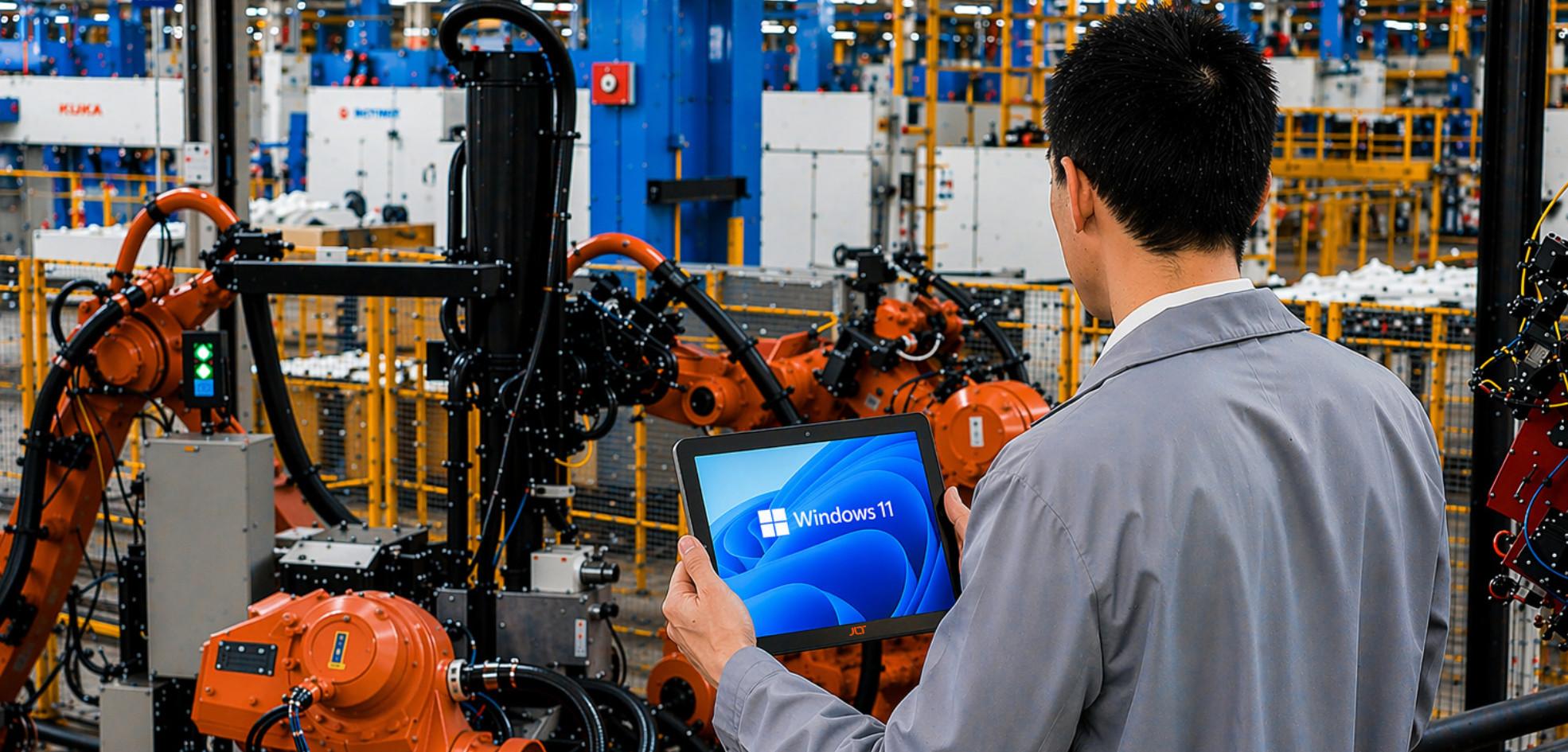
Factory floors, loading docks, and outdoor job sites don’t offer the climate-controlled, dust-free conditions that consumer-grade computers were designed for. A forklift terminal that shuts down mid-shift or a handheld scanner that can’t survive a two-foot drop onto concrete isn’t just an inconvenience—it’s a direct hit to throughput. Rugged industrial computers exist to close that gap, giving operations teams hardware that keeps working exactly where standard equipment gives out.
This guide covers what makes a computer genuinely rugged, processor and expansion options, what to check before buying, and how JLT approaches rugged computing.
What actually makes a computer “rugged”?
This term is often misapplied, so it’s worth being exact about what it really means. A rugged industrial computer isn’t simply a laptop in a tougher-looking case—it’s built from the inside out with a different set of engineering priorities.
That typically means:
- Sealed, gasket-protected enclosures rated to IP65 or higher, keeping dust, grease, and moisture out of the internals
- Shock and vibration dampening, often validated against MIL-STD-810 drop and vibration testing, so the device survives being mounted on a forklift or dropped from waist height
- Wide operating temperature ranges, commonly -20°C to 60°C or beyond, so performance doesn’t degrade in a freezer warehouse or a sunbaked yard
- Fanless thermal design, removing the single most common point of mechanical failure in standard PCs
None of these features exist in isolation—a device is only as rugged as its weakest component, which is why genuine industrial computers are tested and certified as complete systems, not assembled from off-the-shelf parts with a tough shell bolted on.
Why fanless design matters for rugged pcs
Fanless design deserves its own explanation because it’s one of the most consistently overlooked specs on a datasheet. A cooling fan is a moving part, and moving parts are the first thing to fail once dust, oil mist, or metal shavings get into a chassis—which is exactly what happens on most factory floors within months of deployment.
A well-engineered fanless PC instead relies on a solid aluminum or die-cast chassis that acts as a passive heatsink, drawing heat away from the processor and out through the enclosure itself. There’s nothing to clog, nothing to seize up, and nothing pulling in contaminated air. That’s why fanless computers dominate industrial and rugged PC catalogs today — reliable operation over years of continuous use matters more in these settings than squeezing out the last few percent of raw clock speed.
Choosing the right processor: intel options for industrial computers
Processor choice in industrial PCs is less about chasing benchmarks and more about matching compute headroom to the workload while staying inside a fanless thermal envelope. Most rugged PC vendors build around Intel, and for good reason—Intel’s embedded and IoT-focused lines are specifically binned and validated for extended operating temperature ranges and long product-availability windows, which matters when a platform needs to stay in production for years.
Typical options span from Intel Atom processors, sitting at the low-power end for simple data-collection or HMI terminals, up through Core i3, Core i5, and 12th Gen Intel Core (Alder Lake/Raptor Lake) parts for machine vision, edge AI, or multi-application terminals that need real desktop-class capability. Some newer rugged platforms are also moving to Intel’s Core Ultra CPU line, which pairs a built-in NPU with the CPU and GPU on a single chip — useful for industrial computers that need to run inference workloads locally rather than relying on a cloud round-trip. Whatever the tier, the requirement stays the same: full performance sustained continuously in a sealed, fanless enclosure, not just in a burst benchmark.
How do dust, vibration, and temperature affect devices?
Mid-range and higher-end rugged computers commonly ship with an Intel Core i5 or Intel Core i7 configuration when the application calls for it—multi-camera vision systems, local databases, or several concurrent operator applications on one terminal. At the lower-power end of the same family, Intel’s Elkhart Lake platform (part of the Atom x6000E series) is a frequent choice for fanless industrial computers that need long-term embedded availability and real-time I/O support without the thermal budget of a full Core lineup. Matching the right tier of these Intel Core options to the actual workload—rather than defaulting to the fastest available chip—is usually the difference between a rugged PC that runs cool for a decade and one that needs active cooling it was never designed for.
Expansion and customization: pcie and mini pcie
A rugged chassis shouldn’t mean a locked-down one. Most serious industrial PC platforms are built around a custom computer systems solution approach—a common base chassis with configurable expansion, rather than one fixed SKU for every customer.
That typically shows up as PCIe slot expansions for full-size cards (frame grabbers, additional networking, GPU acceleration) and mini PCIe slots for compact add-ons like cellular modems, GPS, or Wi-Fi modules. Being able to spec a compatible variant of the same base unit—swapping I/O, radios, or expansion cards without redesigning the enclosure—is what lets one platform serve a warehouse scanner, a machine-vision inspection station, and a vehicle-mounted terminal without three separate engineering efforts.
Industrial panel pcs and configuration options
The same expansion logic applies to displays. An industrial panel PC — a sealed touchscreen and compute unit built as one enclosure — needs the same range of mounting, sizing, and I/O configuration options as a headless box PC, just with the display and touch layer factored into the sealing and brightness requirements. Buyers comparing rugged PCs across vendors should expect this level of configurability as standard, not as a premium add-on.
Box pcs, AI computers, and the intelligent edge
Not every rugged deployment needs a full panel PC or handheld terminal — a lot of automation and monitoring work runs on compact box PCs mounted inside a control cabinet, doing the job with no display at all. These sit at the intelligent edge: close enough to the equipment they’re monitoring to act on data in real time, rather than shipping everything back to a central server first.
That’s increasingly where AI computer capability comes in. An AI platform PC at the edge—from a compact fanless box PC to a miniature fanless edge gateway—can run vision or anomaly-detection models directly on the factory floor, cutting the latency and bandwidth cost of sending raw camera data offsite for every decision. For extreme environments—freezers, foundries, outdoor cabinets—this hardware still has to meet the same rugged build and sealed-enclosure requirements as any other industrial PC; running an AI workload doesn’t excuse a device from the environmental demands it’s deployed into.
Rugged computers for automation and monitoring
Beyond AI-specific workloads, rugged computers handling straightforward automation and monitoring tasks—PLC data logging, conveyor sensor aggregation, condition monitoring—still benefit from the same fanless, sealed design principles. The processing demands are lighter, but the environmental durability requirement doesn’t change just because the workload is simpler.
Where the standard pc falls short
Consumer and office-grade computers are engineered for a narrow, stable operating envelope: clean air, moderate temperatures, and a desk that doesn’t move. Take that same hardware onto a warehouse floor or into the back of a delivery van, and the failure points show up fast.
Dust and particulate matter work their way into fans and vents, insulating components and causing heat to build up until the system throttles or shuts down.
Constant vibration — from vehicle mounts, conveyor lines, or heavy machinery nearby — gradually loosens connectors, solder joints, and drive components that were never designed to absorb that kind of ongoing stress.
Temperature swings, especially the jump between a heated cab and a cold loading dock, cause condensation and thermal cycling that standard components simply weren’t built to tolerate.
Any one of these on its own might cause an occasional glitch. Together, over months of continuous use, they’re what turns a standard PC into a recurring maintenance ticket.
The real cost of downtime
It’s tempting to treat a hardware failure as an isolated IT problem, but a single terminal going down on a production line can stall an entire workflow. Orders back up, scanning stations sit idle, and staff fall back on slower manual processes.
Beyond the delay, there’s the cost of the fix—a technician visit, a replacement unit, or pulling equipment out of a fleet vehicle that’s supposed to be on the road. For 24/7 operations, even a few hours of unplanned downtime a month adds up to real lost productivity.
What to look for when evaluating a rugged system
Not every device marketed as “rugged” is built to the same standard. A few things worth checking before committing to a platform:
Certifications that are independently verifiable. IP ratings and MIL-STD-810 compliance should come with test documentation, not just a marketing claim.
Display technology suited to the environment. A screen that’s unreadable in direct sunlight or that stops responding when an operator is wearing gloves defeats the purpose of a rugged device—look for high-brightness, optically bonded displays and glove-compatible touchscreens.
Connectivity that matches the deployment. A device destined for a delivery vehicle needs reliable cellular and GPS; one used indoors in a warehouse needs strong Wi-Fi roaming between access points without dropping a session.
Serviceability and lifecycle support. Industrial deployments often run the same hardware for five to ten years. A vendor’s ability to supply spare parts, firmware updates, and repairs years down the line matters as much as the initial spec sheet.
What customer reviews say about rugged industrial pcs
Across independent customer reviews of rugged PCs, a pattern shows up more often than any spec sheet number: buyers rate superior durability and years of trouble-free operation above raw performance. Complaints tend to center on vendors who oversell “rugged” without matching MIL-STD or IP certification or who can’t guarantee parts availability years into a deployment. The rugged edge computing space includes vendors like Teguar Computers alongside JLT, and most buyers end up comparing environmental certification and long-term supply commitment rather than clock speed alone.
How JLT mobile computers approaches this
JLT Mobile Computers designs vehicle-mounted and handheld computers specifically for logistics, warehousing, and manufacturing environments where the conditions described above are a daily reality rather than an edge case. Their computers are built around sealed, fanless enclosures and are tested against MIL-STD-810 and IP65/IP66 standards for shock, vibration, dust, and moisture resistance.
A distinguishing part of JLT’s approach is long-term lifecycle planning—the company designs its hardware platforms to remain in production and serviceable for extended periods, which matters for fleets that can’t afford to recertify and redeploy new hardware every couple of years. JLT also works with customers on mounting and configuration specific to their vehicles and workflows, rather than shipping a single fixed form factor for every use case.
Support from experienced service technicians
Hardware durability only goes so far without the support behind it. Access to experienced service technicians for diagnostics, repairs, and firmware troubleshooting — rather than a “ship it back and wait” model — is often what separates a vendor relationship that works for a five-year deployment from one that doesn’t. Buyers evaluating rugged PC vendors should ask directly about repair turnaround and technician access before signing, not after the first field failure. Organizations with a genuinely custom deployment—an unusual vehicle mount or a non-standard I/O requirement—should explore design services with their vendor early, since retrofitting a stock unit after the fact is almost always more expensive than specifying it correctly from the start.
Core cpu, chipset, and grade components: what’s under the hood
Underneath the branding, what actually separates a rugged build from a repackaged consumer board comes down to grade components throughout—not just the enclosure. That includes the core CPU and chipset (whether that’s an older Twinlake CPU generation, a current Raptor Lake processor, or an Ultra CPU / Ultra PC platform with an integrated NPU), industrial-temperature memory and storage, and PCIe cards rated for the same shock and vibration levels as the chassis itself.
Desktop capability in a sealed enclosure
The goal across all of it is desktop capability without a desktop’s assumptions about a clean, static, climate-controlled environment. An enabled core platform—meaning the CPU’s full feature set, including virtualization and hardware acceleration, is actually usable rather than throttled back for thermal headroom— is what lets a sealed industrial box PC run real industrial applications (SCADA, machine vision, and MES integration) instead of stripped-down monitoring-only workloads.
Advanced technologies for extreme and harsh environments
Between wide-temperature components, conformal coating, and fanless thermal design, these advanced technologies are what let the same base platform serve a walk-in freezer, an outdoor kiosk, and a foundry floor — genuinely harsh environments and extreme environments in the literal sense, not just marketing language — without a different hardware revision for each.
How JLT mobile computers approaches this
The case for rugged industrial computing isn’t about specifications on a datasheet—it’s about whether the hardware matches the environment it has to survive every day. A device that’s sealed against dust, tested against vibration, and readable in direct sunlight will keep a warehouse or delivery fleet moving in a way a standard PC won’t.
Matching the certification level, processor tier, display, connectivity, and lifecycle support to the actual deployment is what determines whether a rugged computing investment pays off in reduced downtime.
Frequently asked questions (faqs)
What’s the difference between an IP rating and a MIL-STD rating?
How long do rugged industrial computers typically last compared to standard PCs?
Can rugged computers be mounted permanently in vehicles?
Do rugged devices cost significantly more upfront than standard computers?
Generally yes, the initial purchase price is higher. The economics usually work out in the device’s favor over its full lifecycle, though, once you account for reduced replacement frequency, fewer service calls, and less unplanned downtime — the comparison is rarely fair when it only looks at sticker price.
What kind of maintenance do rugged industrial computers still require?
How does JLT Mobile Computers support customers after the initial purchase?
JLT provides ongoing lifecycle support including spare parts availability, repair services, and firmware updates for its product lines, which is particularly relevant for fleets and facilities running the same hardware platform for many years.