
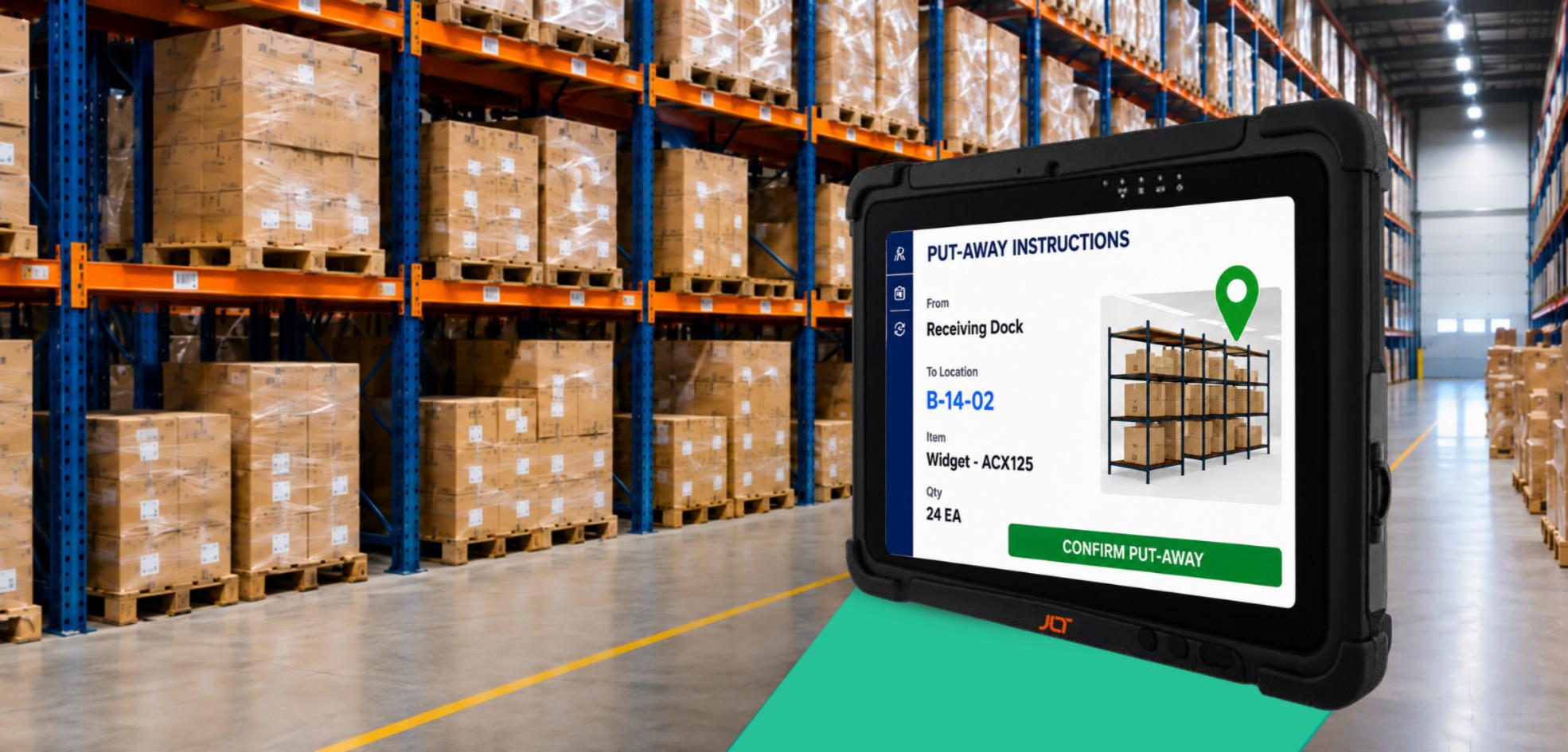
Choosing the right operating systems for tablets isn’t about deciding whether Windows or Android is universally “better.” For rugged enterprise deployments, the right choice depends on how the device is used, the software it must support, and how long it is expected to remain in service. Industrial tablets are often deployed for five to ten years—running business-critical applications, staying secure and integrating with enterprise systems throughout—making OS selection as much a lifecycle decision as a technology one. JLT supports both, because a warehouse on legacy WMS has different needs from a field team on cloud-native apps.
What is an operating system for a rugged tablet?
An operating system is the software foundation that lets a rugged tablet run applications, talk to enterprise systems, manage hardware and maintain security across its lifecycle.
What does the operating system actually control?
Every workflow depends on it. The OS governs how applications interact with barcode scanners, NFC readers, cameras, GPS, wireless, and peripherals, and how security is enforced, updates are delivered, and devices are managed—making rugged hardware part of a larger operational ecosystem.
Why the operating system matters in industrial environments
Rugged tablets must run reliably where downtime hits productivity. OS decisions reach far beyond app compatibility—into device management, workforce adoption, cybersecurity, maintenance planning and fleet scalability—so evaluate the OS alongside the hardware.
How the right os impacts productivity, security, and long-term device lifecycle
Windows simplifies deployment and protects investments for teams on established applications; mobile-first teams benefit from Android’s touch-first interface and cloud ecosystem—what matters is fit across the whole lifecycle, not just day one.
JLT Insight: Every deployment should begin with the workflow—not the OS. How customers work today, and how they’ll evolve, points to the platform with the most long-term value.
The real question isn’t Windows vs android—it’s what happens in year four
Many evaluations focus on the first few months. JLT asks a different question: what will this fleet look like in four or five years?
Why the os decision outlives the hardware refresh cycle
Industrial hardware outlasts consumer devices by years, and meanwhile applications, security requirements and enterprise software all evolve. The OS largely determines whether those changes are absorbed without replacing reliable hardware.
The hidden cost of picking the wrong os for your fleet
Replacing tablets before end of life is one of the costliest mistakes a business can make; the indirect costs below often exceed the purchase-price difference.
| Hidden Cost | What It Means |
| Unplanned Mid-Life Replacement | An OS that no longer supports business apps or security requirements forces replacement of working devices years early. |
| Retraining | Migrating OS demands new procedures, training and IT support, cutting productivity mid-transition. |
| Integration Rework | ERP, WMS, manufacturing, identity and mobility integrations often need redevelopment when the OS changes. |
JLT Perspective: ROI is greatest when OS decisions align with the deployment’s expected lifecycle, not immediate hardware specs. Evaluating long-term software support, app compatibility and migration needs early avoids costly mid-life refreshes.
Comparing operating systems for tablets: Windows vs Android in rugged environments
When comparing operating systems for tablets, the right choice depends on your workflows and operating environment. JLT offers both Windows and Android because each excels in different industrial settings.
| Consideration | Windows Rugged Tablets | Android Rugged Tablets | JLT Recommendation |
| Enterprise Applications | Excellent with legacy software | Optimized for modern mobile apps | Windows for established enterprise; Android for mobile-first |
| User Experience | Familiar desktop environment | Intuitive touch-first interface | Match workforce requirements |
| Lifecycle Strategy | Windows 11 IoT Enterprise LTSC for long-term stability | Android lifecycle depends on deployment strategy | Plan around expected fleet lifespan |
| Device Management | Microsoft ecosystem | Android Enterprise & UEM | Both integrate with mobility tools |
| Ideal Operations | Manufacturing, warehousing, ports | Logistics, field service, transport | Select by workflow, not preference |
Legacy software and enterprise system integration
The top reason customers keep choosing Windows is existing software investment. SAP EWM/WMS, Manufacturing Execution Systems (MES) and Active Directory environments are deeply integrated into many operations; JLT’s Windows tablets keep them running without extensive redevelopment.
Battery life and glove/wet-touch usability
Why Mobile-First Workflows Favor Android: built around mobile interaction from the outset, JLT’s MT7010A pairs Android 13 with an 800-nit optically bonded display, glove and rain touch, Wi-Fi 6E, optional 5G, NFC and barcode scanning—helping warehouse, logistics and field teams work efficiently in demanding conditions.
Explore our Android Rugged Tablet: The Industrial Buyer’s Guide for US Operations for deeper insights into Android deployment and lifecycle planning.
Security and device management maturity
Security is no longer the deciding factor—deployment strategy is. How MDM/UEM Platforms Closed Android’s Enterprise Security Gap: platforms such as SOTI manage Windows and Android from one console—apps, policies and visibility across mixed fleets—so the OS is chosen on operational needs, not manageability.
The lifecycle trap most buyers don’t see coming
Selecting the right operating systems for tablets isn’t just about today’s applications—it determines how effectively your fleet supports the business throughout its deployment lifecycle. At JLT, lifecycle planning is one of our first conversations, because hardware often outlasts the software strategies planned for it.
| Lifecycle Factor | What It Controls / Means | JLT Takeaway |
| GMS Certification (Security Patches, Play Store Access & the Certification Clock) | Confirms a device meets Google’s compatibility requirements and can access GMS—but future Android upgrades and security updates depend on the manufacturer. | Evaluate the device’s full lifecycle, not just GMS certification on purchase day. |
| Support Ceiling for Standard Enterprise Android (What Happens When Certification Support Ends Mid-Deployment) | Commercial Android follows consumer refresh cycles; hardware may keep running, yet teams struggle when future app or security needs outrun software support. | Choose a partner that understands long-term deployment; JLT built solutions specifically for industrial Android. |
| Windows 11 IoT Enterprise LTSC (Fixed Lifecycle Policy vs Annual Feature Update Channels) | Built for dedicated devices needing a stable environment over years—predictable servicing, not frequent updates that can break app compatibility. | For Windows ERP, WMS or industrial apps, weigh LTSC within a lifecycle strategy, not a feature comparison. |
| Industrial Android x86 (What Industrial-Grade Android Image Support Looks Like in Practice) | Modernize supported hardware with JLT’s validated Android image instead of replacing the fleet—extending life and enabling mixed deployments. | More flexible than a full refresh. |
JLT Insight: Rather than forcing a choice between Windows and Android, JLT builds an OS strategy that protects existing investments while enabling future mobility.
What this actually costs — total cost of ownership, not sticker price
When evaluating operating systems for tablets, purchase price is often the easiest metric to compare—but rarely the most important one. TCO spans deployment, maintenance, support, compatibility, downtime and lifecycle planning.
Why sticker price is the least reliable number in this decision
A cheaper tablet may need earlier replacement, redevelopment or more IT support; a pricier one can cost far less per year over a longer lifecycle.
The cost variables that actually move the needle
These drive lifecycle costs—often more than purchase price:
| Cost Variable | Question to Ask | JLT Takeaway |
| Licensing & Hardware Specification Requirements | Can enterprise applications keep running without redevelopment? | Evaluate compatibility and hardware requirements before deployment. |
| Battery Life & Shift-Charging Downtime | Will it support full-shift productivity with minimal interruption? | Prioritize devices designed for continuous industrial use and reliable shift-long operation. |
| Refresh Cycle Timing & Unplanned Replacement Costs | Can you maximize hardware life before replacement is necessary? | Choose a lifecycle strategy that reduces premature replacement and long-term operating costs. |
A simple framework for calculating fleet TCO
| Consider | Questions to Ask | JLT Takeaway |
| Device Lifecycle | How long will hardware realistically stay in service? | Choose devices designed for long-term deployment to reduce premature replacement costs. |
| Software Compatibility | Will existing applications keep operating? | Verify application compatibility before migration to avoid redevelopment or disruption. |
| Workforce Productivity | Will migration require retraining or workflow change? | Minimize workflow disruption by selecting devices that support existing processes. |
| Device Management | Can existing MDM/UEM tools manage the new fleet? | Confirm compatibility with your existing device management tools before deployment. |
| Support Strategy | Does the vendor provide long-term lifecycle services? | Select a vendor that provides ongoing support throughout the device lifecycle. |
It compares long-term value across Windows and Android, not procurement budgets alone.
Matching the os to the operation — not the other way around
The OS should adapt to the operation—not the reverse.
| Your Situation | Recommended Direction | JLT Takeaway |
| Legacy WMS, SAP, or ERP Software | Windows remains preferred where productivity depends on established enterprise apps and existing Windows infrastructure. | Choose Windows where existing enterprise applications and infrastructure are critical to daily operations. |
| Priority Is Speed, Mobility, Gloved/Outdoor Operation | The MT7010A pairs Android 13 with glove-touch, barcode scanning, NFC, Wi-Fi 6E and optional 5G—suited to modern warehouse, transportation and field-service workflows. | Android can provide the mobility and connectivity features needed for fast-paced industrial workflows. |
| Stuck Between the Two (The Migration Path Most Fleets Don’t Know Exists) | No overnight swap—JLT supports phased migration where Windows and Android coexist while apps and processes transition over time. | A phased migration can reduce disruption while teams gradually transition between platforms. |
| Managing a Mixed Fleet (MDM/UEM Coverage Across Both Platforms) | JLT tablets integrate with platforms such as SOTI, so teams centrally manage mixed fleets with consistent visibility, policy and control across both. | Centralized management helps maintain consistent visibility and control across Windows and Android devices. |
How different industries choose their tablet operating system
Every industry has different priorities; JLT helps align the OS to them.
| Industry | Operating System Tendency | JLT Takeaway |
| Warehousing & Distribution | Windows supports established WMS; Android enables faster, touch-first inventory and picking. | Choose the platform based on whether your warehouse prioritizes established WMS compatibility or mobile-first workflows. |
| Transportation & Logistics | Android is increasingly used for proof of delivery, route management and mobile workforce apps where simplicity and mobility matter. | Android can support mobile teams that need simple, intuitive access to logistics applications. |
| Manufacturing Operations | Windows compatibility with ERP, MES and production software, plus long-term stability. | Windows can be a strong fit when production workflows depend on established enterprise applications. |
| Field Service & Utilities | Android gives technicians intuitive access to inspections, work orders, GIS apps and customer information. | Android supports technicians who need flexible and intuitive access to field applications. |
| Ports, Mining & Heavy Industry | Driven by environmental demands, specialized apps and lifecycle planning rather than OS preference. | Select the operating system based on environmental requirements, specialized applications and long-term lifecycle needs. |
How JLT supports Windows and Android rugged tablet deployments
Supporting both isn’t about more products—it’s about deploying the right technology for the operation.
Choosing the Right Platform: the MT7010A delivers Android-based mobility; the MT2010P and MT5010AD provide Windows solutions for enterprise compatibility and long-term stability.
Long-Term Lifecycle Support: through JLT:Care and expertise in Windows and Industrial Android, JLT helps maximize uptime, simplify maintenance and protect your investment.
Rugged Tablets Built for Enterprise Mobility: whether modernizing a warehouse, upgrading field service or planning a phased Windows-to-Android migration, JLT provides the hardware, OS expertise and lifecycle support for a mobility strategy that lasts. Explore JLT’s portfolio or contact the team to discuss the right OS.
Questions to ask before you standardize your fleet os
Does Windows or Android Last Longer?
What Is the GMS Certification Lifecycle?
Can a Rugged Tablet Run Both Windows and Android?
Is Android Secure Enough for Enterprise Fleets?
What’s the Real TCO Difference?
Can One MDM Platform Manage Both?
Conclusion
There’s no universally better choice among operating systems for tablets—only the platform that best supports your applications, workforce, lifecycle, and total cost of ownership. JLT helps you match Windows, Android, or a phased Industrial Android x86 migration to your operation, and supports it for the life of the deployment.
Ready to decide with confidence?