
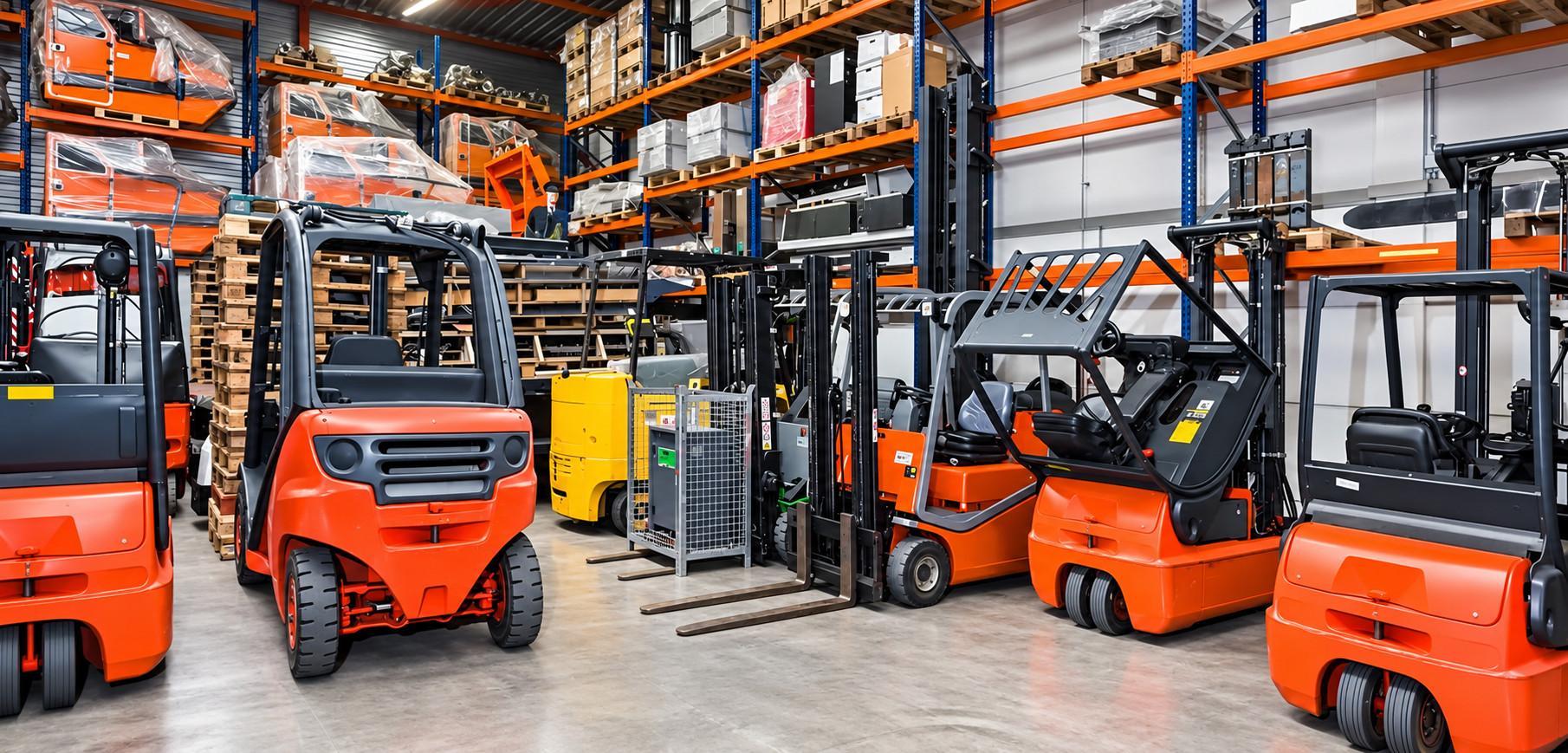
Forklifts are central to operations in warehouses, factories, and construction sites, moving pallets, materials, and equipment efficiently. Integrating an industrial computer directly onto forklifts transforms them into intelligent, connected machines capable of real-time data management, inventory tracking, and work-shift oversight. Compared to traditional manual logging and tracking, an industrial computer improves operational efficiency, reduces errors, and enhances productivity.
Industrial computers used in these environments must be ruggedized to withstand vibration, dust, moisture, and temperature extremes. Without proper durability, even a single failure can disrupt operations and increase downtime.
Industrial computer: forklift computers applications & advantages
Vehicle-mounted terminals or rugged computers enable front-line workers to manage critical tasks directly from their forklifts. Key applications include:
- Data collection & inventory tracking: Input or scan items on the go.
- Asset tracking: Locate tools, pallets, and forklifts instantly.
- Workshift management: Clock in/out directly from the forklift.
Key benefits:
- Enhanced workflow efficiency
- Reduced operational errors
- Real-time updates across teams
These devices reduce manual labor, streamline warehouse processes, and keep operations connected. Synonyms like vehicle-mount computer or rugged computer emphasize their industrial-grade durability.
Industrial computer challenges for forklift computers
Operating a forklift in industrial environments presents unique challenges:
- Shock & vibration: Forklifts carry heavy loads and navigate uneven surfaces. Industrial devices must absorb these stresses without failure.
- Dust, grime & debris: Dusty warehouses and construction sites require fanless computers and IP65+ protection to prevent internal contamination.
- Legacy device compatibility: Many facilities still rely on older peripherals; USB and serial ports ensure seamless integration with existing systems.
Rugged design, high ingress protection, and compatibility with legacy devices are critical for uninterrupted operations.
Qualities to look for in a forklift computer
Choosing the right forklift computer involves evaluating:
- Durability: MIL-STD-certified casing and impact-resistant screens.
- Touchscreen controls: Resistive screens work with gloves; PCAP offers multi-touch.
- Wireless connectivity: Reliable Wi-Fi, Bluetooth, 4G/5G options.
- Hot-swappable batteries & universal mounts: Ensure uninterrupted full-shift operations.
On the Ground: Workers in a cold-storage warehouse use vehicle-mounted terminals with resistive screens to scan pallets while wearing gloves, completing tasks without interruptions.
10 essential questions to ask before buying
1. how tough is your forklift computer? (ruggedness standards to check)
Forklift computers operate in harsh environments — from dusty warehouses to freezing cold storage and outdoor loading docks. Devices certified with IP65/IP67 and MIL-STD 810G/H ratings resist water, dust, shocks, and vibration. Choosing the right rugged standards protects your hardware investment, reduces downtime, and ensures uninterrupted operations across multiple shifts.
On the Ground: A logistics company switched from consumer tablets to MIL-STD-certified rugged computers, reducing device failures by 40% within six months.
2. fanless or not? why it matters for longevity
Industrial environments generate dust, dirt, and debris that can clog fans, leading to overheating and early failure. Fanless forklift computers eliminate this problem, increasing reliability and reducing maintenance needs. Fewer service calls mean less downtime and lower total cost of ownership, particularly in high-traffic warehouses or dusty outdoor operations.
On the Ground: A packaging warehouse eliminated 15+ annual maintenance calls after deploying fanless vehicle-mounted terminals.
3. touchscreens that work with gloves — or not?
The touchscreen interface is critical for ease of use. Resistive touchscreens are ideal for operators wearing gloves or working in cold storage, responding to pressure rather than touch. PCAP (projected capacitive) screens provide a modern, multi-touch interface but may require bare hands. Choosing the right type ensures operators can work efficiently without interruptions.
On the Ground: Cold storage teams using resistive screens reported smoother scanning and fewer errors when handling frozen pallets.
4. can your computer survive power surges?
Forklifts often operate on unstable power sources. Look for wide-range voltage input, DC-to-DC converters, and ignition control to prevent battery drain or electrical damage. Proper power management protects the computer, prevents unexpected shutdowns, and maintains real-time data collection without workflow interruptions.
5. staying connected: are wireless options up to par?
Reliable connectivity is critical for real-time warehouse management. Ensure devices support modern standards like Wi-Fi 6E, have Bluetooth for peripherals, and optional external antennas for challenging metal-heavy racking aisles. These wireless options keep your industrial computer connected to inventory systems and WMS software throughout the facility.
On the Ground: A warehouse upgraded to vehicle-mounted terminals with Wi-Fi 6E, reducing delays in inventory updates across three shifts.
6. can operators see the screen in any light?
Forklift operators move between bright dock doors and dim storage aisles. High-brightness (>500 nits), sunlight-readable screens reduce eye strain, increase scanning speed, and ensure accurate data entry across varying lighting conditions. A screen that adjusts brightness automatically improves safety and efficiency during long shifts.
Insight: Sunlight-readable screens can improve scanning speed by up to 20% compared to standard displays.
7. will it play well with your existing systems?
Seamless integration with warehouse management systems (WMS) and peripherals like barcode scanners, RFID readers, and mobile printers is essential. Without compatibility, workflow slows, errors increase, and IT costs rise due to workarounds or manual entries. Ensuring compatibility maximizes ROI and operational efficiency.
8. can you swap parts without downtime?
Industrial computers with modular designs allow quick replacement of screens, batteries, or keyboards without removing the full unit. Field-replaceable components reduce downtime, simplify maintenance, and extend device lifespans. This flexibility ensures continuous operation even when minor failures occur, protecting productivity in high-demand warehouses.
9. mounting solutions that keep your forklift safe
A secure mounting system ensures the computer stays in place despite vibration, shocks, or bumpy forklift movement. Universal VESA or RAM mounts are ideal, as they maintain driver visibility and allow easy relocation between forklifts. Proper mounting reduces accidental damage and supports ergonomic positioning for operators.
On the Ground: A warehouse switched between forklifts using universal VESA-mounted terminals, saving installation time and minimizing disruptions.
10. safety first: does it include screen blanking?
Screen blanking temporarily disables the display while the forklift is in motion, preventing distractions and reducing the risk of accidents. This safety feature ensures operators focus on driving and handling goods while still capturing data when stationary.
On the Ground: Operators in a high-traffic warehouse rely on screen blanking to avoid errors while navigating crowded aisles.
Choosing the right model
Top choices include JLT1214 & 1514N, offering:
- Screen sizes from 10–15” with an optional heater for cold environments
- PowerTouch technology for glove-compatible operation
- Modular, wireless, and rugged design
These industrial computers ensure high uptime, flexible installation, and extended lifecycle performance.
Durability, reliability & lifecycle
Rugged forklift computers withstand drops, vibration, and temperature extremes, minimizing operational interruptions. Hot-swappable batteries and secure mounts reduce maintenance.
On the Ground: One warehouse has used the same JLT1214 vehicle-mounted terminal for 7 years without replacement, highlighting durability and long-term ROI.
Security & compliance
Rugged industrial computers offer enterprise-grade security features such as encryption, secure boot, and remote monitoring. Consumer tablets often lack these protections, increasing operational risk. Optional compliance support ensures compliance with industry standards.
Maximizing ROI and productivity
Vehicle-mounted terminals improve workforce efficiency and reduce errors. Accessories such as barcode scanners, RFID, and secure mounts further enhance productivity.
Key benefits:
- Streamlined inventory management
- Faster data entry and updates
- Minimized downtime and workflow interruptions
Summary & key takeaways
- Ruggedness & durability: Survive harsh environments
- Reduced downtime & hidden costs: Long-lasting industrial computers
- Productivity & workflow efficiency: Accurate, real-time operations
- WMS and peripheral compatibility: Seamless integration
Did You Know? Companies using rugged forklift computers often see 25–30% fewer IT support tickets in the first year.